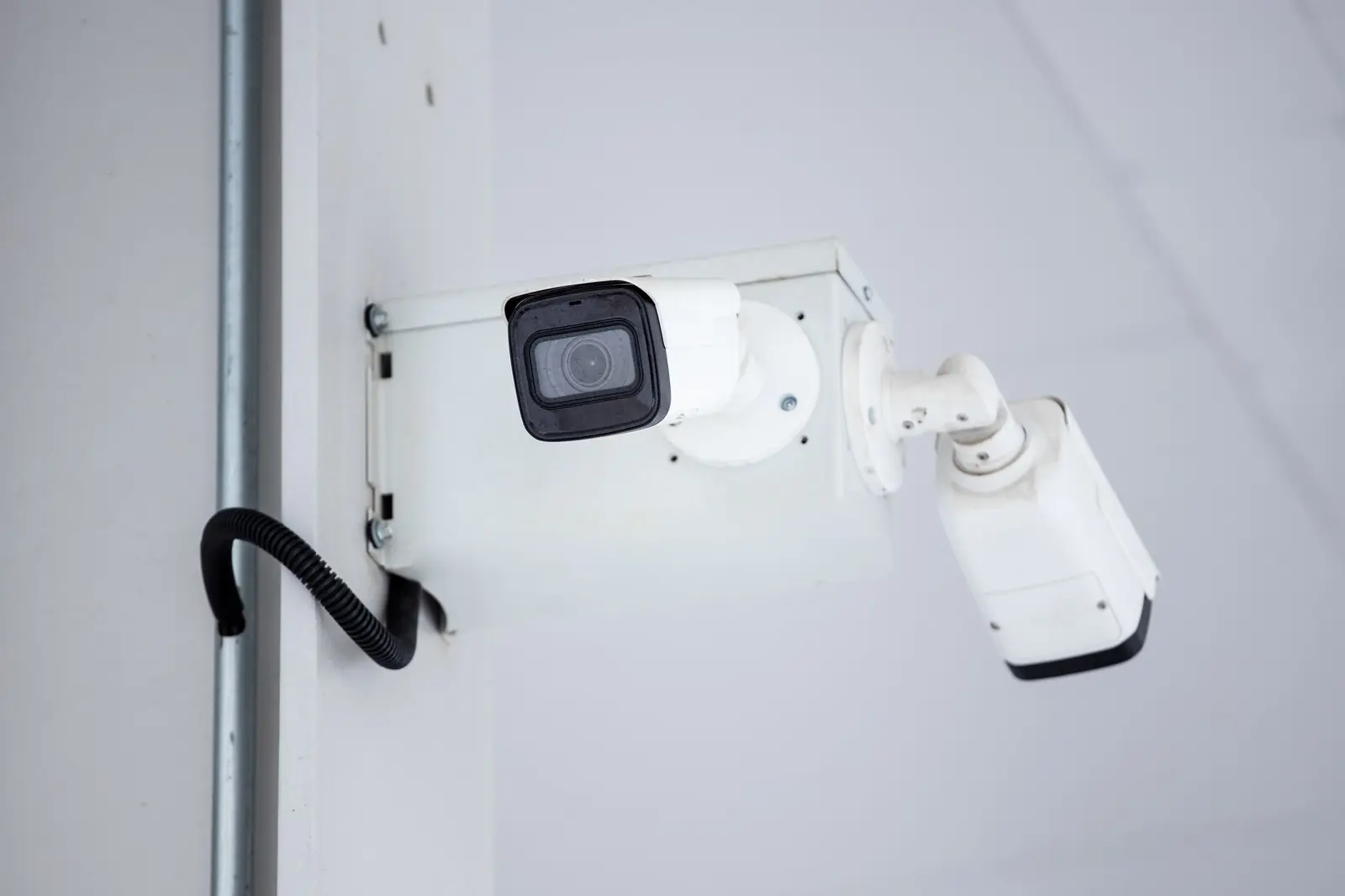
KonxCam
Your cameras, visible from anywhere. Your recordings, kept at your site.
A box installed at your site records your cameras around the clock and sends you an alert with a photo when it sees a person or a vehicle where it shouldn't be. You watch live from your phone, even when the site is connected through Starlink.
Open KonxCam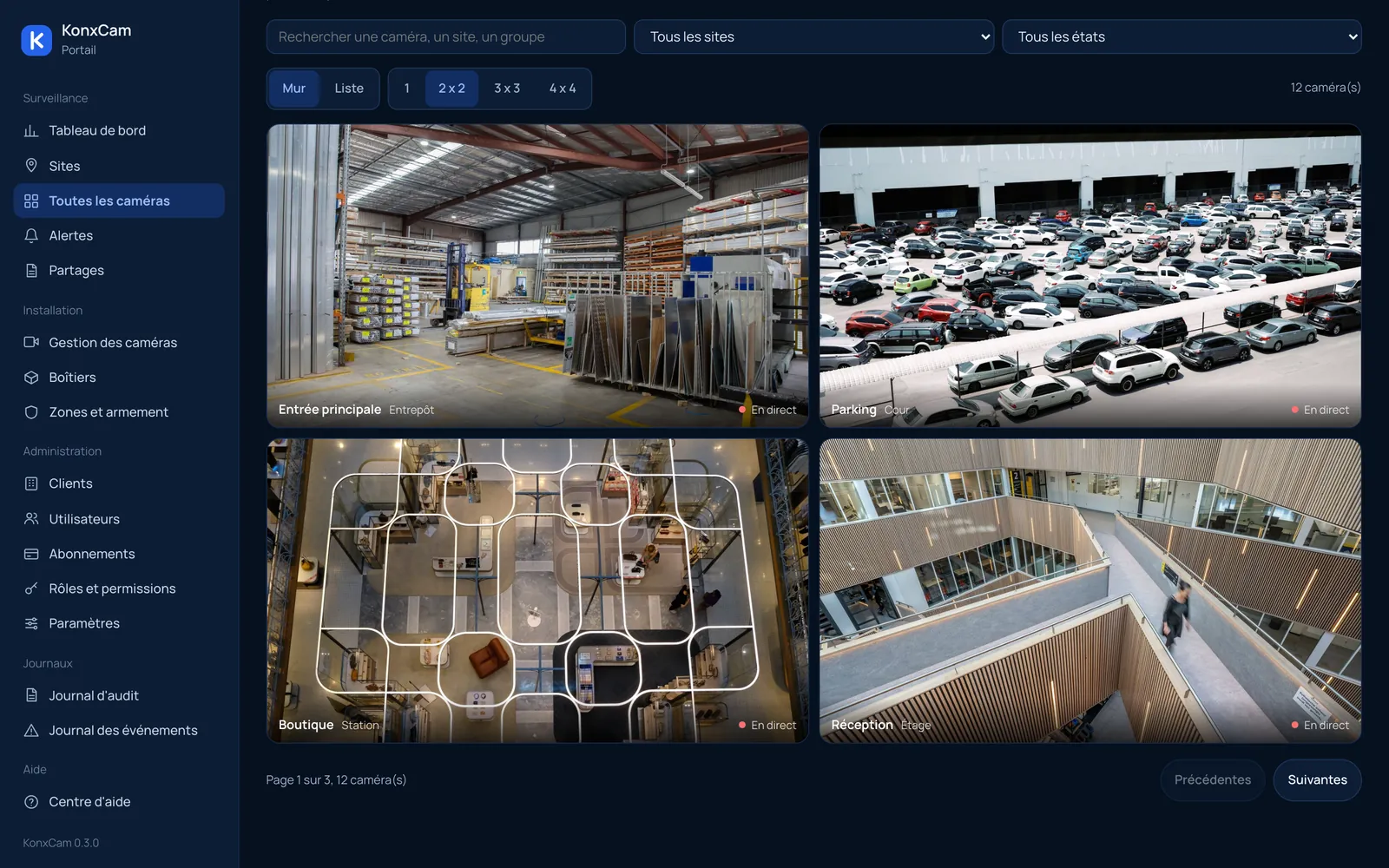
Everything you need to watch over your sites.
Live view on demand
A video wall in the browser or the app. A camera only uses your connection while someone is watching it.
Continuous on-site recording
The box records all your cameras to its disk, and keeps moments with detections longer.
Smart alerts
Person or vehicle, inside a zone drawn on the image, during the armed hours you choose. Notification with a photo.
Remote playback
A timeline, search by event, and the exact segment you need sent from the box.
Clip sharing
A temporary link for the police or your insurer that expires and can be revoked. Every opening is logged.
Control and accountability
Permissions per person (live, playback, export), and a log of every playback and every export.
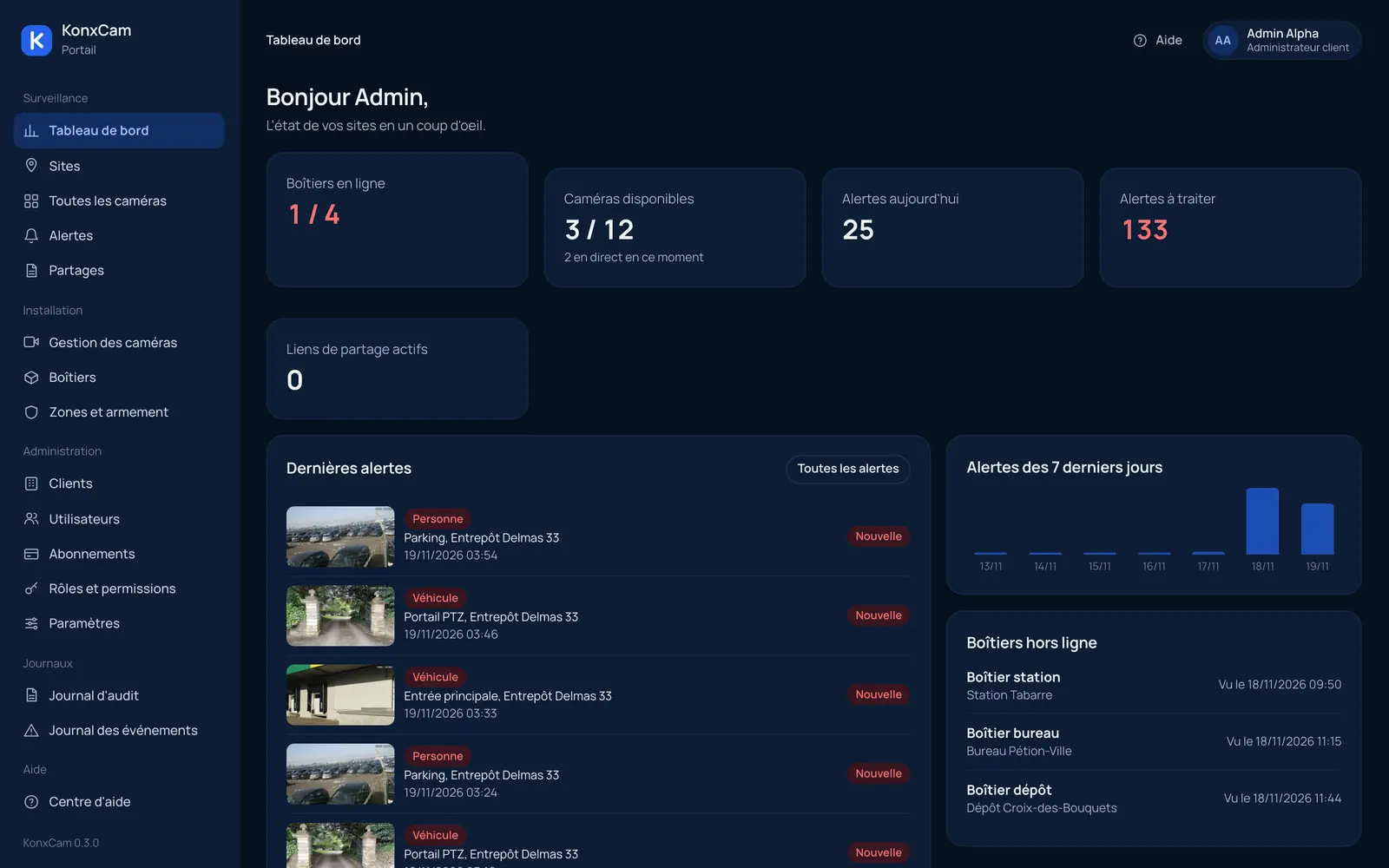
All your sites at a glance.
Boxes online, cameras available, latest alerts: the dashboard shows the state of every site and what needs your attention.
- Live view from anywhere, even behind Starlink
- Continuous recording on an on-site box
- Alerts for people, vehicles and zones
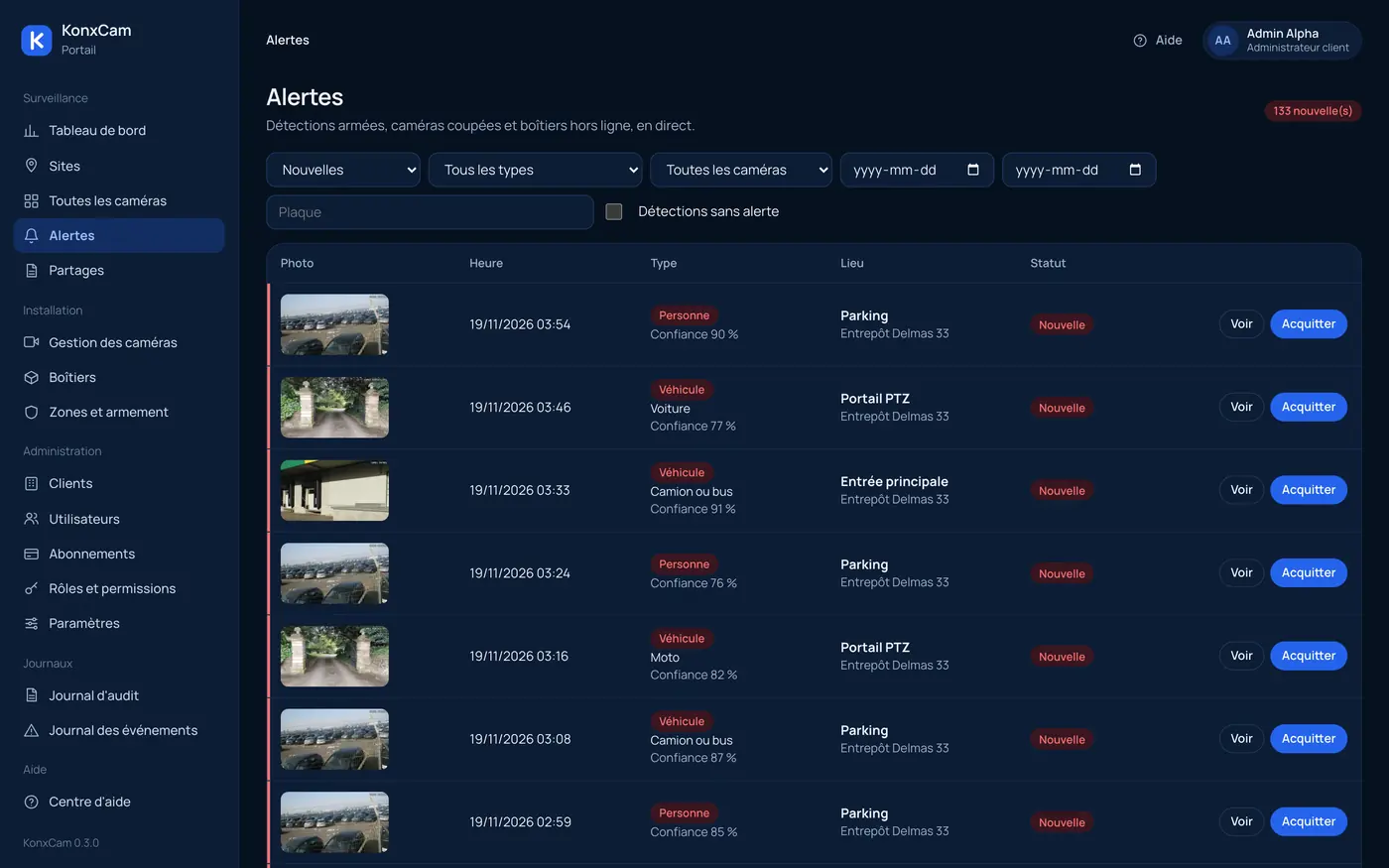
Alerts, not noise.
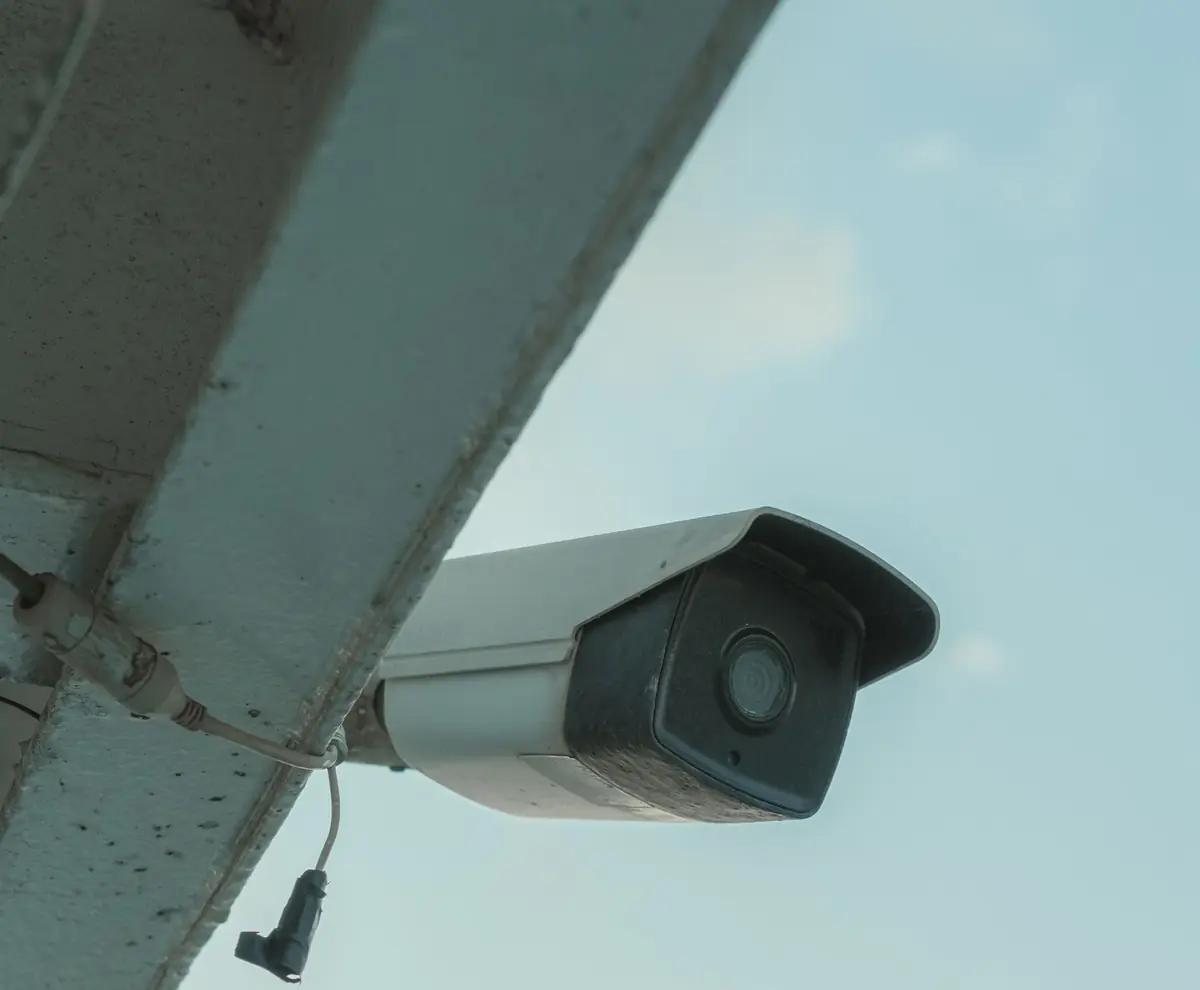
A person or a vehicle, in a zone drawn on the image, at the hours you choose: every alert arrives with its photo, the camera and the place, and is handled in one click.
A solution that fits your environment.
Shops, warehouses, security companies, homes or building sites: KonxCam adapts to your security and control needs.
Shops and supermarkets
Registers, aisles and the entrance, visible from your phone.
Warehouses and depots
An alert when someone enters a closed area at night.
Security companies
Guards acknowledge alerts from the portal or the app, and everything is logged.
Homes and job sites
A remote site connected through Starlink that you watch from afar.
Hardware
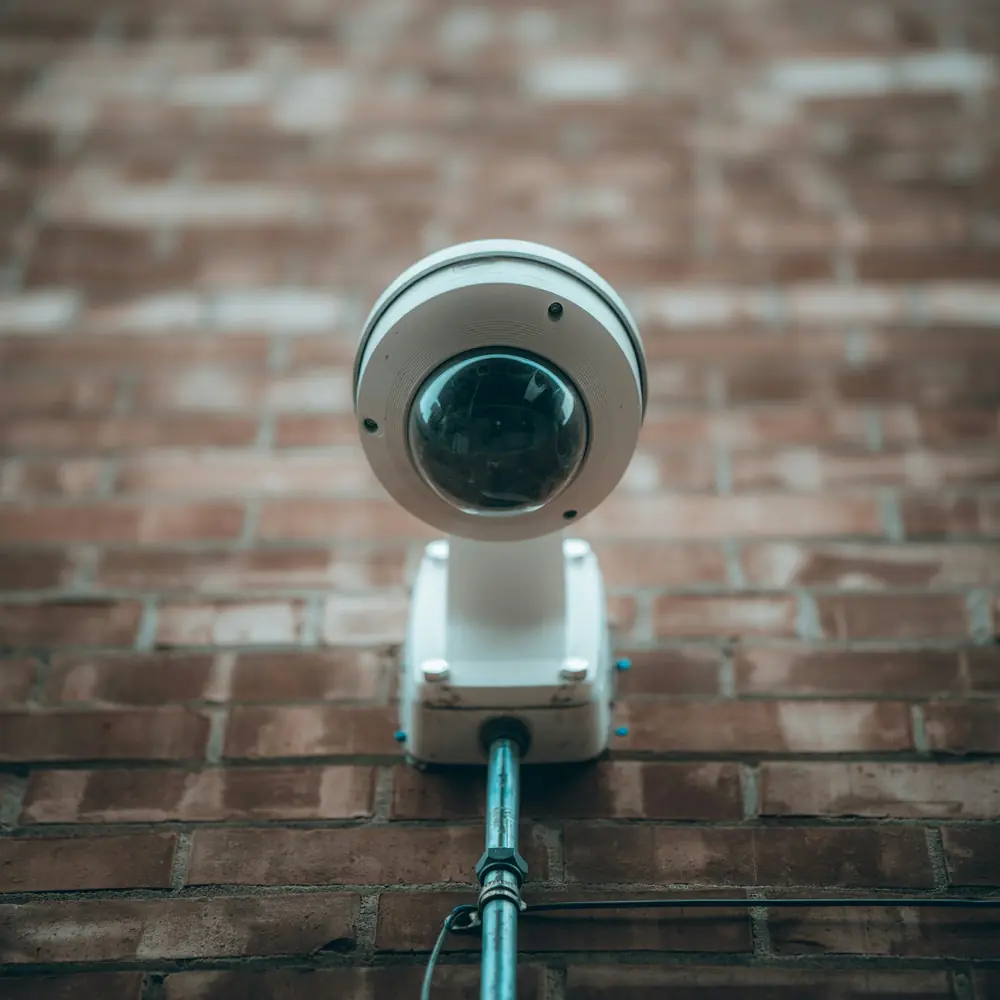
Keep your cameras. KonxCam works with what you already have.
- Your IP cameras
Any RTSP or ONVIF camera: Hikvision, Dahua, Uniview, TP-Link Vigi, Reolink, and most recorders on the market.
- The KonxCam box
A recent mini PC that detects people and vehicles without an extra card, with a disk sized for your cameras and the retention you want.
- Phone and computer
The mobile app for live view and alerts, the web portal for playback and settings.
How it works
The box joins your cameras
An installer connects the box to your network. It finds compatible cameras, and you choose which ones to add.
It records and watches
Continuous recording to the box's disk, with people and vehicle detection done on site.
It connects to KonxCam
The box keeps an outbound link to our servers: no ports to open at your site.
You watch from anywhere
Live view, playback and alerts in the portal and the app, with the right permissions for each person.
Frequently asked questions
Do I need to replace my cameras?
Usually not. Any IP camera that supports RTSP or ONVIF works, as do most recorders on the market. The installer checks your cameras first.
Does it work with Starlink?
Yes. The box opens the connection to KonxCam, so there are no ports to open. Starlink, fiber or mobile data: it works the same way.
Where is the video stored?
Continuous recording stays on the box's disk, at your site. Alert clips go to the cloud. A continuous cloud copy is available as an option, camera by camera.
What happens if the internet goes down?
The box keeps recording to its disk. When it stops checking in, you get an alert, and it reconnects on its own once the network is back.
Does it use a lot of data?
No, because live video only goes out when someone is watching, at a quality suited to your connection. Everything else happens on site.